Running a small business often means doing more with fewer people. Your sales team may be handling new enquiries, customer calls, follow-ups, quotations, meetings, payments, and existing relationships at the same time.
At first, spreadsheets, notebooks, emails, and WhatsApp may seem enough. But as the number of customers and leads increases, information starts getting scattered. A follow-up gets missed. A promising lead is forgotten. A manager cannot quickly see which deals are moving forward.
That is usually the point when a CRM becomes valuable.
But choosing the best CRM for small business is not about finding the software with the longest feature list. It is about finding a system your team can actually use every day.
Here are 10 features worth checking before you make your decision.
1. Simple Lead Management
Every sale starts somewhere, and in most businesses it starts with a lead.
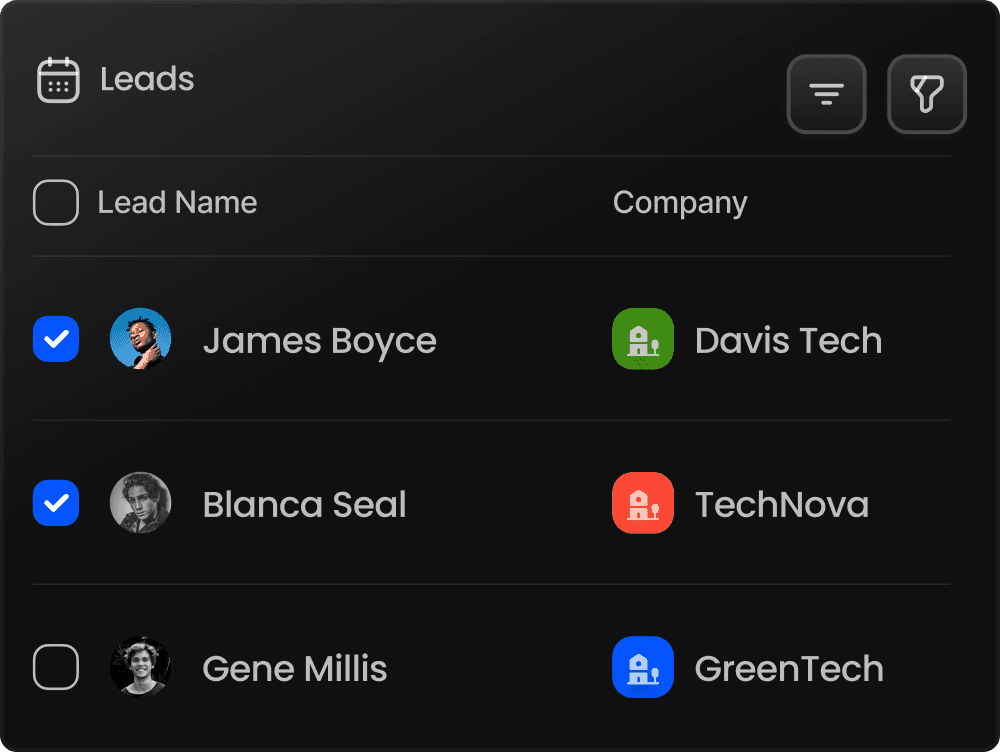
Your CRM should make it easy to capture, organize, assign, update, and follow leads throughout the sales process. Good lead management software gives your team one clear place to see who the prospect is, what has happened so far, and what needs to happen next.
This becomes particularly important when several salespeople are handling enquiries.
Effective sales lead management software reduces the chances of leads being forgotten simply because information was buried in a spreadsheet or personal message.
For smaller teams, look for lead management software for small business that is straightforward enough to use without weeks of training.
2. A Clear Sales Pipeline
Knowing that you have 50 open leads is useful. Knowing exactly where those 50 leads stand is much more valuable.
A good sales pipeline tool should give your team a visual picture of opportunities moving through different stages—from a new enquiry to qualification, proposal, negotiation, and eventually a won or lost deal.
This makes sales pipeline management easier for both salespeople and managers.
Instead of repeatedly asking, “What happened with this customer?”, a manager can check the pipeline and understand the current position.
A useful sales pipeline tracker also makes it easier to notice deals that have stopped moving and may require immediate attention.
3. Follow-Up and Task Automation
Salespeople should spend their time selling, not trying to remember dozens of pending tasks.
Look for a CRM that can simplify routine activities such as reminders, follow-ups, task assignments, and scheduling.
This is particularly useful for small businesses because employees often perform multiple roles. A missed reminder may mean a missed customer conversation, and a missed conversation may mean a lost opportunity.
Automation does not remove the human element from sales. It simply reduces the administrative work surrounding it.
The right sales management software for small business should help your team stay organized without making the workflow complicated.
4. AI-Powered Sales Insights
Artificial intelligence is becoming increasingly useful in modern CRM systems, but businesses should look for practical AI rather than AI added simply as a marketing label.
Good AI sales management software can help teams interpret sales information, identify priorities, score activities, and make better-informed decisions.
For example, AI-powered sales software may help a salesperson understand which leads deserve attention or give managers additional insights into sales performance.
The objective is not to replace the salesperson. AI should help the salesperson make sense of information faster and decide what to focus on next.
For a small team, that can be especially useful because managers rarely have time to manually analyze every call, lead, visit, and opportunity.
5. Sales Performance Tracking
A CRM should help managers understand more than the final sales number.
Good sales performance management software can provide visibility into activities, targets, productivity, follow-ups, opportunities, and individual or team performance.
This helps managers answer practical questions.
Are enough leads being followed up? Where are opportunities getting stuck? Which salesperson may need support? Is the team completing important tasks on time?
When this information is available through dashboards and reports, managers can spend less time collecting updates and more time helping their teams improve.
6. Customer and Communication History
Customers do not want to explain the same situation every time they speak with someone from your company.
That is why centralized customer information is one of the most important features of CRM software for businesses.
Your CRM should maintain relevant customer details, notes, previous activities, tasks, conversations, and relationship history in an organized way.
This becomes increasingly valuable as the business grows.
If one employee is unavailable, another team member should still be able to understand the customer relationship and continue the conversation without starting from zero.
A shared customer history creates continuity and can make the business appear far more organized to the customer.
7. Useful Dashboards and Analytics
Small businesses generate plenty of sales data, but raw numbers are not enough.
A CRM should turn that information into dashboards and reports that are easy to understand.
Managers should be able to see important indicators without manually creating a new spreadsheet every week. Depending on the business, this could include lead activity, open opportunities, sales performance, follow-up status, pipeline progress, and other relevant metrics.
Customizable dashboards are even better because every company manages sales differently.
The goal is simple: when you open the CRM, you should quickly understand what is happening in your business.
8. Quotation, Invoice and Payment Connectivity
For many small businesses, the sales journey does not stop when a customer says yes.
There may still be a quotation to prepare, an invoice to issue, and a payment to track.
When these activities happen across several disconnected tools, teams may lose visibility between sales and revenue collection.
A CRM that connects customer relationships with quotations, invoices, and payment tracking can make the workflow much easier to manage.
This is particularly useful for B2B companies, agencies, distributors, service providers, and other businesses where closing a deal involves several commercial steps.
Having these activities connected gives the team a clearer view of the customer journey from initial opportunity to payment.
9. Security and Access Control
Customer information is valuable business data, so security should never be an afterthought.
Before choosing a CRM, ask how customer information is protected and how employee access is controlled.
Features such as role-based access, data isolation, encryption, audit logs, and privacy controls can become increasingly important as your team grows.
Not every employee needs access to every piece of information.
A structured permission system can help a business give people access to the information they need while maintaining better control over sensitive customer and business data.
Security may not be the most exciting feature on a CRM comparison page, but it is one of the features you are likely to appreciate most as your business scales.
10. Ease of Use and Room to Grow
A powerful CRM has little value if employees avoid using it.
That is why an easy CRM for small business should have a clean interface, understandable workflows, and a manageable learning curve.
Think about both your current needs and where the company may be a year or two from now.
A startup with three salespeople may eventually have ten or twenty. An agency may add new service lines. A growing company may need more sophisticated reporting, automation, permissions, or AI capabilities.
The same principle applies when choosing the best CRM for startups. A good system should be simple enough for the team today but capable of supporting more structured sales processes tomorrow.
A flexible sales CRM for startups can help growing companies establish those processes early, while a suitable sales CRM for agencies can help agencies organize multiple prospects, client relationships, proposals, and follow-ups without losing visibility.
Where SalesLyt Fits In
SalesLyt is designed for startups, agencies, sales teams, and growing businesses that want to bring their sales activities into a more connected workflow.
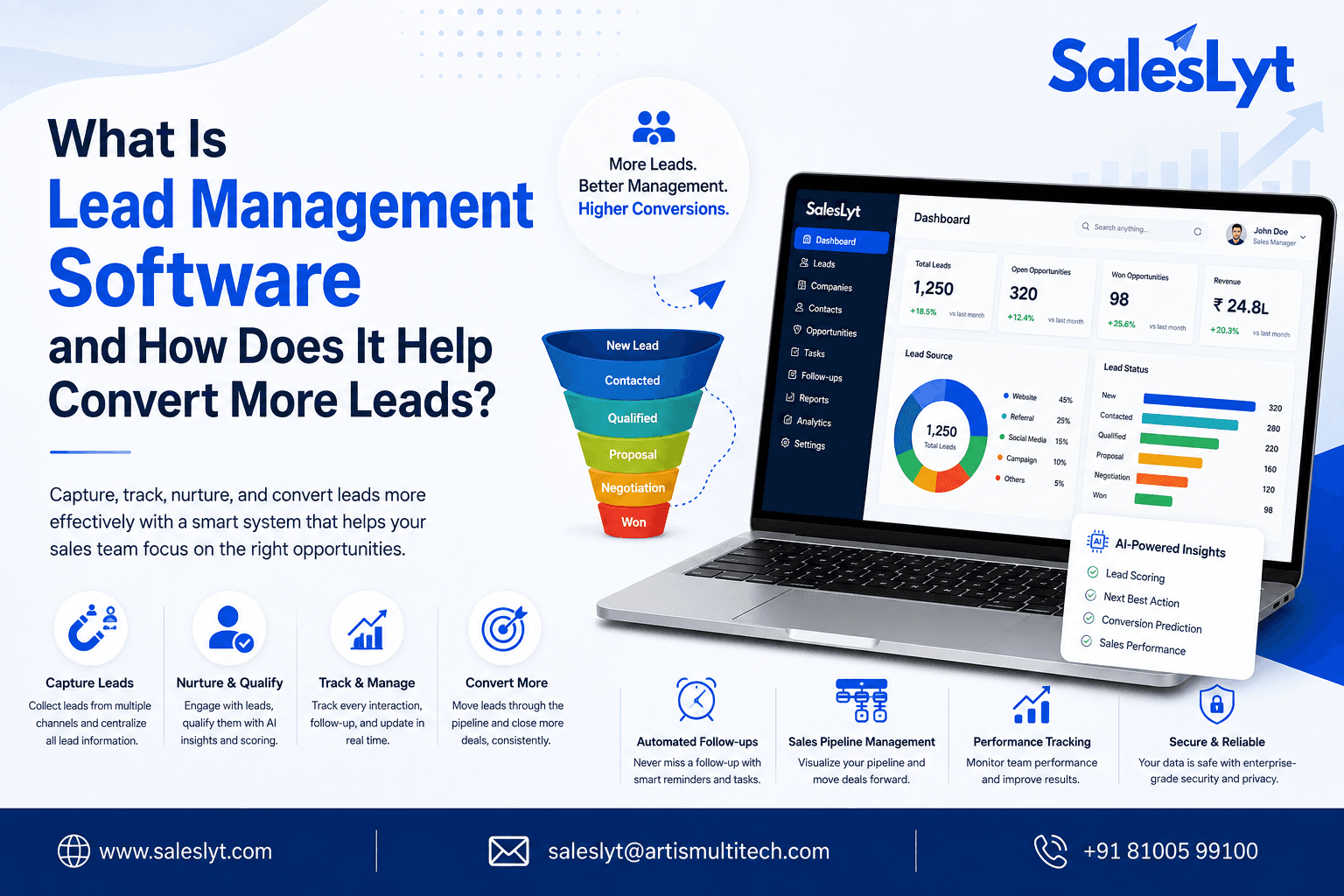
Its current capabilities include lead and sales pipeline management, automated follow-ups, AI-powered insights and predictions, AI performance scoring, real-time analytics, geo-tagging, customizable dashboards, manager review and performance tracking, and integrated CRM, quotation, invoice, and payment management.
The idea is to give growing businesses visibility across the sales lifecycle without forcing teams to manage every activity through separate systems.
For smaller organizations especially, bringing these activities together can mean fewer missed follow-ups, clearer accountability, and a better understanding of what is actually happening in the sales pipeline.
Conclusion
Choosing the best CRM for small business should begin with one question: will this system make everyday sales work easier?
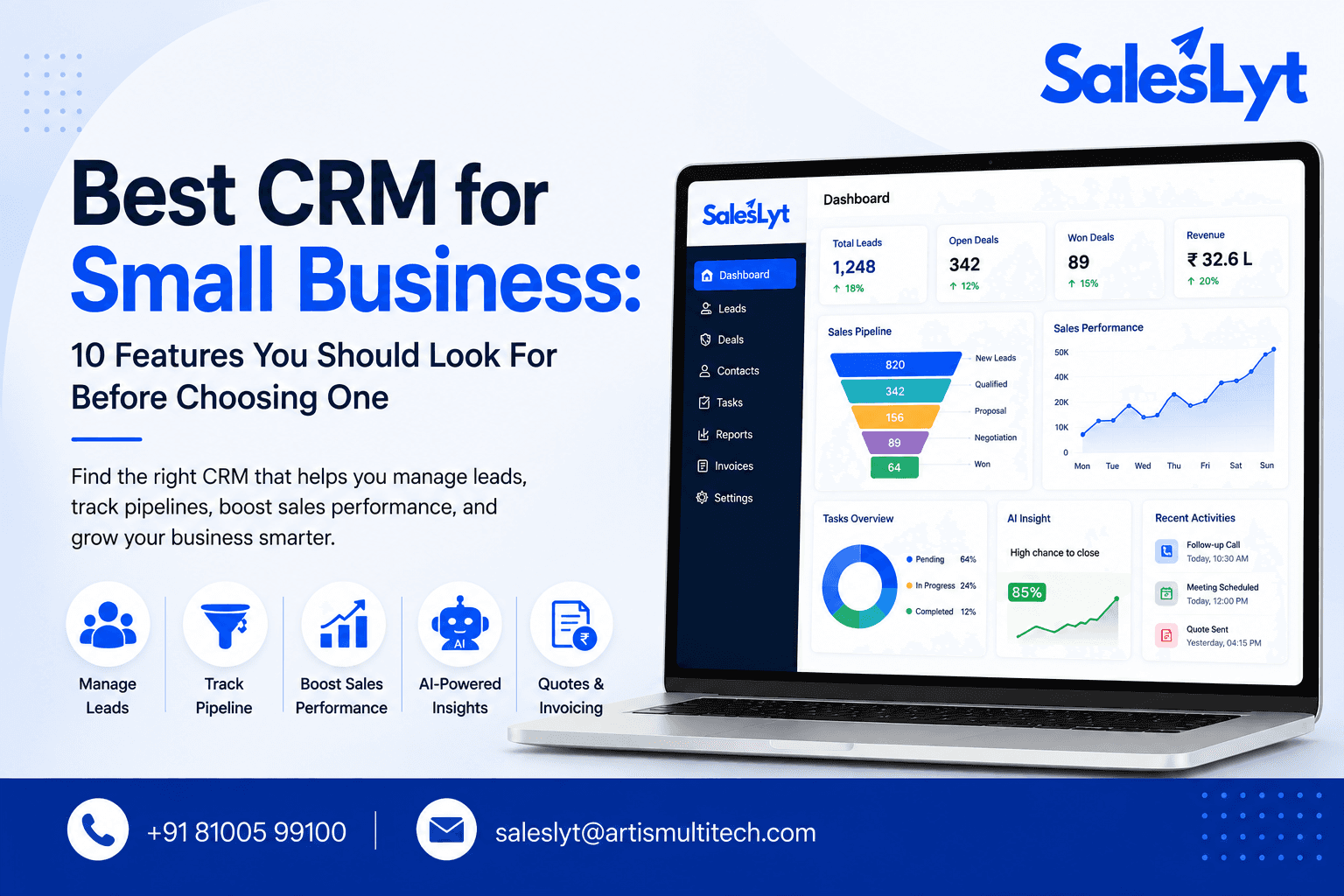
Look beyond impressive feature lists. Focus on the functions your team will actually use—lead management, pipeline visibility, follow-up automation, AI insights, performance tracking, customer history, reporting, commercial workflows, security, and ease of use.
The right CRM should reduce confusion rather than create another layer of administration.
As your business grows, having leads, activities, customer relationships, opportunities, and performance information in one place can give your team something spreadsheets and disconnected tools struggle to provide: a clear view of the sales process.
That clarity helps salespeople know what to do next, helps managers understand where support is needed, and helps the business build a more consistent path from lead to customer.
Conclusion
Choosing the best CRM for small business is about finding a solution that makes sales simpler, more organized, and easier to manage. The right CRM should help your team manage leads, track pipelines, automate follow-ups, monitor performance, and use AI-powered insights to make better decisions. With SalesLyt, growing businesses can bring these essential sales activities into one connected platform, giving teams better visibility, stronger control, and more time to focus on building customer relationships and closing more deals.


FAQ
What is FlowSuite and who is it for?
FlowSuite is a modern customer relationship management platform designed for startups, agencies, sales teams, and growing businesses.
Do I need technical experience to use FlowSuite?
Is my data secure on FlowSuite?
Does FlowSuite support team collaboration?
What kind of support do you offer?
Can I migrate my data from another CRM to FlowSuite?