For many small businesses, Excel is where sales management begins. It is familiar, flexible, and easy to set up. Create a few columns for customer names, phone numbers, follow-up dates, deal values, and status, and you have a basic lead-tracking system.
For a small team handling a limited number of prospects, that may be enough.
The problem starts when the business grows.
More enquiries arrive, more salespeople join the team, follow-ups increase, and opportunities move through different stages. Suddenly, the spreadsheet that once felt simple becomes difficult to maintain. Someone forgets to update a row. Another salesperson creates a separate file. A follow-up date passes unnoticed.
This is where businesses begin looking at CRM software for businesses as a better way to manage leads and sales activities.
Excel vs CRM: What Is the Real Difference?
Excel is primarily a spreadsheet tool. A CRM, or Customer Relationship Management system, is designed specifically to manage customer relationships and sales processes.
In Excel, your team usually records information manually. You decide which columns to create, how to organize the data, and how to keep track of activities.
A CRM takes a more structured approach.
It can bring together lead information, interactions, follow-ups, opportunities, tasks, pipeline stages, and sales activities. Instead of simply showing what has been entered into a spreadsheet, lead management software helps salespeople understand what needs to happen next.
That difference becomes increasingly important as your sales operation grows.
1. Excel Can Store Leads, but Managing Them Is Harder
Suppose your spreadsheet contains 500 prospects.
Finding a particular contact is easy enough. But can you immediately see which leads need a follow-up today? Which ones have not been contacted recently? Which prospects have received a proposal? Which opportunities are close to conversion?
You can build formulas, filters, conditional formatting, and additional sheets to answer some of these questions. But every extra layer also makes the spreadsheet more complicated.
Dedicated sales lead management software is built around these activities.
Rather than treating a lead as another row of data, it allows the sales team to maintain a structured record of the relationship and its progress.
2. Follow-Ups Should Not Depend on Memory
One of the biggest weaknesses of spreadsheet-based sales management is follow-up.
A salesperson speaks with a potential customer on Monday. The customer asks them to call again next Friday. The salesperson enters the date into Excel.
But who reminds them on Friday?
When the team is managing dozens of conversations, relying on employees to repeatedly check a spreadsheet creates unnecessary risk.
An easy CRM for small business can make follow-up management part of the daily workflow. Tasks, reminders, and sales activities become connected to leads rather than sitting in separate files or personal calendars.
SalesLyt, for example, focuses on tracking leads, automating follow-ups, and helping teams move deals through a more organized sales flow.
3. Growing Teams Need a Shared View of the Pipeline
A spreadsheet may tell you that an opportunity is “Open,” but that does not always provide enough context.
Sales teams need to know where each opportunity sits in the buying journey.
For example:
New Lead → Contacted → Qualified → Proposal → Negotiation → Won/Lost
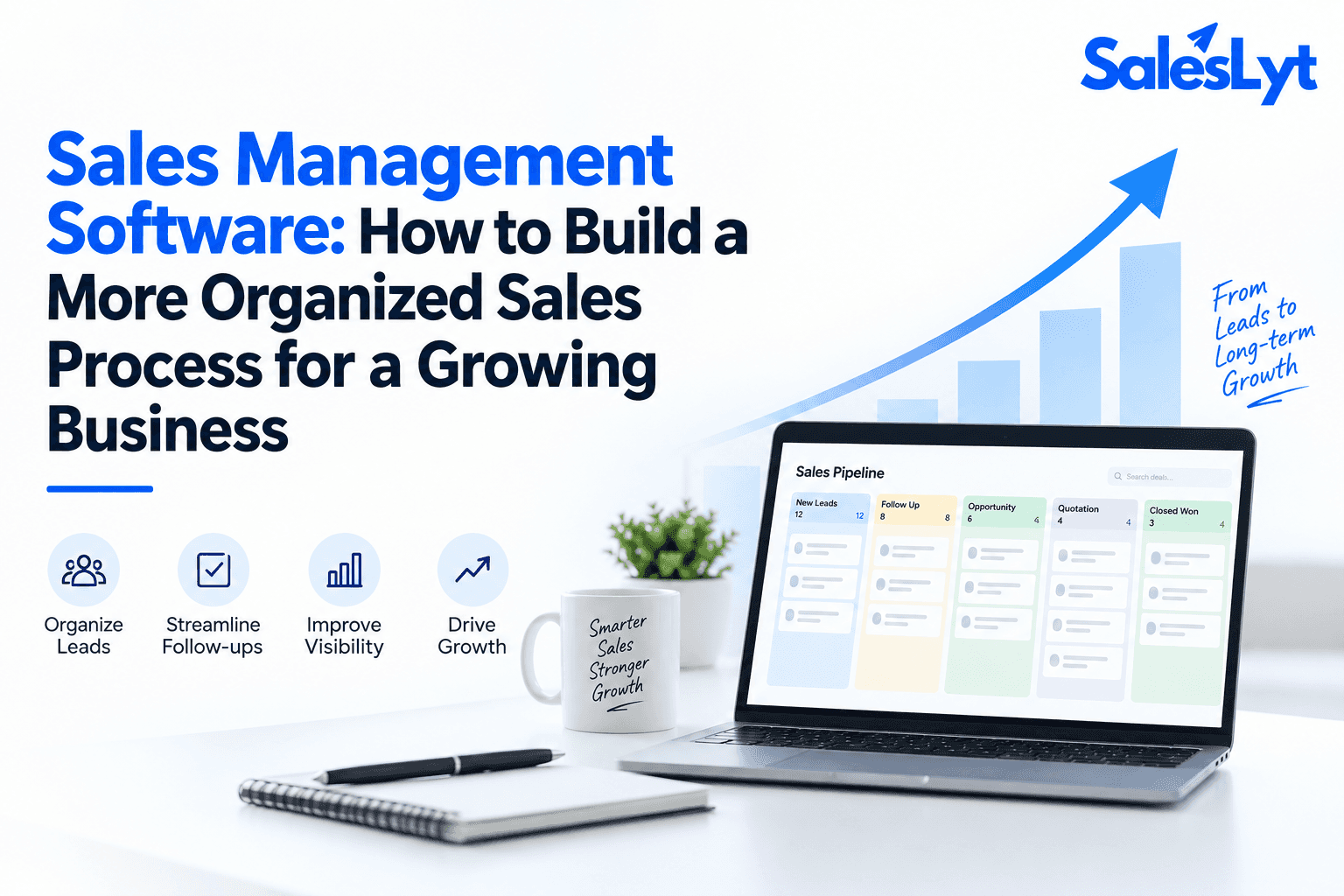
This is the foundation of sales pipeline management.
A dedicated sales pipeline tool helps teams visualize how deals are progressing instead of forcing managers to interpret rows and columns.
A sales pipeline tracker also makes it easier to spot opportunities that have remained in one stage for too long.
For managers, that visibility matters. They can see where deals are slowing down and discuss specific opportunities with the team instead of asking everyone to prepare manual updates.
4. CRM Makes Team Collaboration Easier
Excel becomes particularly challenging when several people are involved in sales.
Even when a spreadsheet is shared online, the team still needs strict discipline about how information is entered and updated.
Imagine one salesperson speaks with a customer but forgets to record the conversation. Another team member contacts the same prospect without knowing what was discussed.
The customer experiences a disconnected sales process.
A CRM creates a more centralized working environment where customer information and sales activities can be connected.
This is particularly useful for agencies and growing service businesses. A sales CRM for agencies can help different team members understand the history and status of an opportunity before communicating with a prospect.
5. Managers Need More Than a List of Leads
Knowing that your company has 200 active leads is useful, but it does not tell you how well your sales team is performing.
Managers may want to understand follow-up activity, opportunity movement, sales performance, conversions, and individual productivity.
This is where CRM platforms combined with sales performance management software become more useful than a basic spreadsheet.
SalesLyt, for example, provides analytics and performance metrics alongside AI performance scoring for leads, customer calls, and sales visits. Its manager review capabilities also include KPI dashboards, task monitoring, approvals, and productivity insights.
Instead of manually creating a new report every time management needs an update, sales information can become part of an ongoing performance view.
6. AI Is Changing What Businesses Can Expect From CRM
Spreadsheets are excellent for calculations and data organization, but modern CRM platforms are moving beyond simple record keeping.
With AI sales management software, businesses can use sales data to support decisions.
AI can help identify patterns, score leads, provide recommendations, analyze performance, and support predictions about opportunities.
SalesLyt includes AI-powered insights and predictions designed to help teams predict deal outcomes and make data-driven decisions.
This is an important difference between traditional spreadsheet tracking and modern AI-powered sales software.
The goal is not to replace the salesperson. It is to give the salesperson better information so they can decide where to focus their time.
7. When Should a Small Business Move From Excel to CRM?
There is no rule saying that every business must stop using Excel.
If you have a very small number of customers, one person handles sales, and the sales process is straightforward, spreadsheets may continue to work well.
But there are warning signs.
If leads are being forgotten, follow-ups are regularly missed, several employees maintain different versions of customer information, managers cannot easily see the pipeline, or reporting takes hours of manual work, your business may have outgrown its spreadsheet.
At this stage, searching for the best CRM for small business makes sense.
The right sales management software for small business should simplify the existing process rather than add unnecessary complexity. Similarly, lead management software for small business should make everyday lead tracking easier for the people who actually use it.
8. Startups Need a System That Can Grow With Them
Startups often begin with Excel because it costs little and can be configured quickly.
That is perfectly reasonable.
However, startups can grow quickly, and their sales process often changes along the way. Leads that were once managed directly by a founder may eventually be distributed among multiple sales representatives.
The best CRM for startups should provide enough structure for this transition without becoming unnecessarily complicated.
A good sales CRM for startups gives the team a central place to manage leads, follow-ups, opportunities, activities, and pipeline movement while building a repeatable sales process.
This makes it easier to scale without losing the customer knowledge accumulated during the early stages of the company.
9. CRM Can Connect More of the Sales Lifecycle
Another limitation of Excel is that different parts of the sales process often end up in different files and applications.
Leads might be stored in one spreadsheet, quotations somewhere else, invoices in accounting software, and payment updates in another file.
The result is fragmentation.
Modern CRM platforms can bring more of this workflow together.
SalesLyt, for example, combines lead management with sales pipeline functionality, quotations, invoices, payment tracking, automated activities, analytics, and AI-powered capabilities.
That connected approach can reduce the number of places a salesperson needs to check before understanding the complete status of a customer.
Excel or CRM: Which Should You Choose?
Excel is not a bad tool. In fact, it remains extremely useful for calculations, analysis, planning, and many business operations.
The question is whether it should remain the primary system for managing a growing sales team.
If your company is handling increasing numbers of leads, multiple salespeople, regular follow-ups, complex opportunities, and performance reporting, a dedicated CRM provides structure that a spreadsheet was never specifically designed to offer.
Whether you are evaluating the best CRM for small business, best CRM for startups, sales CRM for agencies, or advanced AI sales management software, focus on how the system will improve your team's everyday work.
Final Thoughts
Excel can be an excellent starting point for sales management, but growth changes what your team needs.
As lead volume increases, businesses need more than rows and columns. They need clear ownership, reliable follow-ups, centralized customer information, visible pipeline stages, performance insights, and a consistent way to move opportunities forward.
Modern CRM software for businesses combines these capabilities in one structured environment. With integrated lead management software, sales pipeline management, automation, analytics, and AI-powered sales software, growing teams can spend less time maintaining spreadsheets and more time building relationships and closing opportunities.
The move from Excel to CRM is therefore not simply a software upgrade. It is a shift from manually recording sales activity to actively managing the sales process—and for a growing team, that can make a significant difference.

Conclusion
Excel can be useful when a sales team is small, but as leads, follow-ups, and opportunities increase, spreadsheets can become difficult to manage. Moving to CRM software for businesses gives growing teams a more structured way to organize leads, automate follow-ups, improve collaboration, and gain better visibility into the sales pipeline.
With SalesLyt, businesses can combine lead management software, sales pipeline management, performance tracking, and AI-powered sales software in one place. Instead of spending time maintaining spreadsheets, sales teams can focus on the activities that matter most—building customer relationships, following up at the right time, and converting more opportunities into sales.