Spreadsheets are often the first sales tool used by a small business.
They are familiar, inexpensive, and easy to start with. A sales team can create columns for customer names, phone numbers, enquiry dates, deal values, follow-up dates, and sales status within a few minutes.
For a very small number of leads, this can work perfectly well.
The problem starts when the business grows.
More enquiries arrive. More salespeople get involved. One person updates a spreadsheet while another keeps information in WhatsApp. Follow-up dates are stored in personal calendars. Customer discussions remain inside email inboxes. Managers start asking for separate reports just to understand what is happening.
Eventually, the spreadsheet is no longer helping the sales process. The team is spending more time maintaining information than using it.
This is where CRM software for small businesses becomes useful.
A CRM provides a structured place to manage leads, customers, follow-ups, sales activities, and opportunities throughout the sales journey. Instead of keeping sales information scattered across spreadsheets and individual tools, the team can work from one organized system.
For growing businesses, the objective is not simply to replace Excel or Google Sheets. The real objective is to build a repeatable sales process that becomes easier to manage as the number of customers, leads, and salespeople increases.
Why Small Businesses Usually Start With Spreadsheets
There is nothing wrong with beginning with spreadsheets.
When a founder or salesperson has 20 or 30 prospects, a simple sheet may contain everything required:
Customer name
Company
Contact number
Email
Lead source
Requirement
Expected deal value
Follow-up date
Sales stage
Notes
At this stage, there may be only one or two people handling sales.
Everyone knows most customers personally, and communication between team members is easy.
But the same system becomes increasingly difficult to maintain when the company begins handling hundreds or thousands of leads.
The issue is not necessarily the spreadsheet itself. The issue is that a spreadsheet is mainly a place for storing information, while a growing sales operation needs a system for managing actions.
When Spreadsheets Start Becoming a Sales Problem
The transition from spreadsheets to CRM management usually becomes necessary when several problems begin appearing repeatedly.
Leads Are Stored in Different Places
One salesperson maintains an Excel file.
Another keeps customer numbers on their phone.
Some enquiries arrive through email.
Others arrive through social media, referrals, website forms, advertisements, or WhatsApp.
When lead information is distributed across different locations, nobody has a complete view of the sales pipeline.
A structured lead management system creates one location where leads can be recorded and managed consistently.
Follow-Ups Depend on Memory
A common spreadsheet workflow looks like this:
A salesperson enters a follow-up date in a column and checks the sheet manually every morning.
This works until there are dozens of follow-ups scheduled every day.
Then something urgent happens.
A meeting runs longer than expected.
A customer calls unexpectedly.
Another enquiry comes in.
The salesperson forgets to check one row in the spreadsheet.
That missed row might represent a valuable opportunity.
Good lead management software should make the next action visible instead of expecting salespeople to remember every task themselves.
Nobody Knows Which Version Is Correct
Many growing businesses eventually create files such as:
Sales Leads.xlsx
Sales Leads Updated.xlsx
Sales Leads Final.xlsx
Sales Leads Final New.xlsx
Once multiple copies exist, the team begins asking a dangerous question:
Which file contains the latest information?
A CRM reduces this problem by giving the team a shared system where updates happen against the same customer or opportunity record.
Managers Need to Ask for Updates
In an unstructured sales process, managers frequently need to ask:
“Did you call this customer?”
“What happened with that quotation?”
“How many opportunities are active?”
“Which deals are expected this month?”
“Why has this customer not moved forward?”
When this information is available only inside individual spreadsheets or personal conversations, management visibility becomes difficult.
A structured sales management software system makes activities and pipeline information easier to review.
Spreadsheet vs CRM: The Important Difference
A spreadsheet primarily answers:
What information have we entered?
A CRM should help answer:
What needs to happen next?
That difference is important.
For example, imagine a prospect sends an enquiry for an industrial product.
In a spreadsheet, the business might record:
Customer: ABC Industries
Requirement: Hydraulic equipment
Value: ₹2,50,000
Status: Interested
Next Follow-Up: Friday
That is useful information.
But a structured CRM process can connect that information to a sequence of actions:
New enquiry → Qualification → Meeting/Site Visit → Requirement Discussion → Quotation → Negotiation → Order → Payment → Customer
This creates accountability around the opportunity.
Instead of simply storing customer details, the business can see where each opportunity currently stands.
What CRM Software for Small Businesses Should Organize
A useful CRM does not need to make the sales process complicated.
It should make everyday work easier.
Here are the main areas a small business should organize.
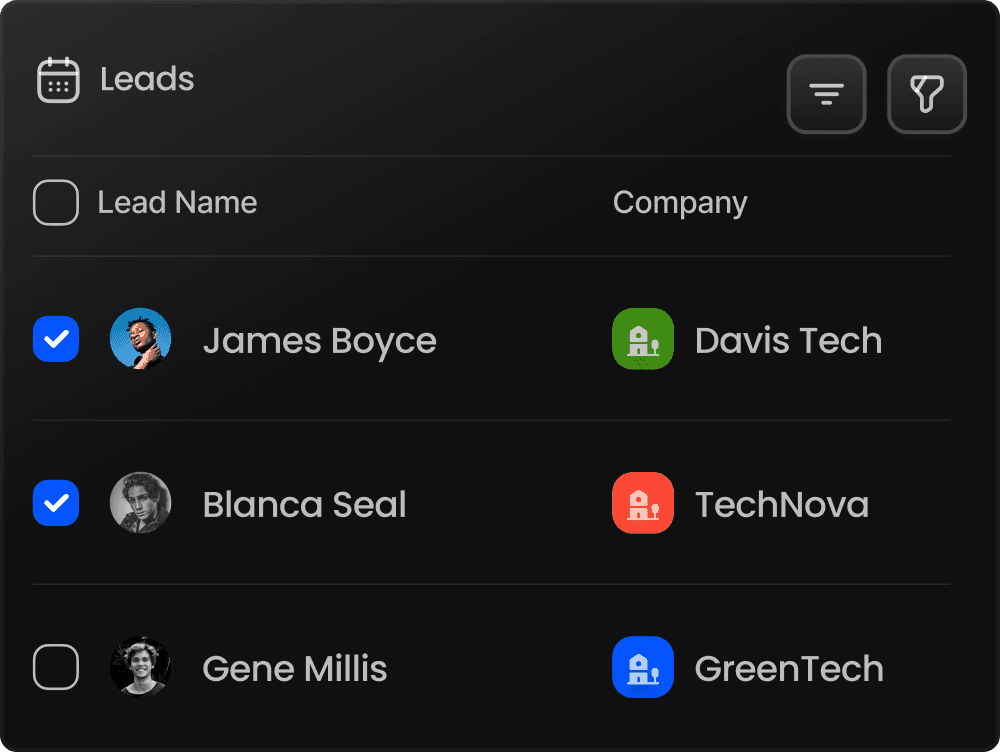
1. Lead Management
Every new enquiry should enter one system.
Each lead should contain relevant information such as:
Name
Company
Contact details
Lead source
Requirement
Assigned salesperson
Current status
Next follow-up
Notes
Expected value
Using lead management software gives the business a central record instead of maintaining multiple independent lead lists.
2. Customer Management
Once someone becomes a customer, their history should remain accessible.
Salespeople should be able to understand previous interactions without searching through old spreadsheets, messages, and emails.
Good CRM for small businesses helps create continuity.
If another salesperson handles the account later, they should still understand what happened previously.
3. Follow-Up Management
Follow-up management is one of the biggest reasons small sales teams eventually need a CRM.
Most sales opportunities are not closed during the first conversation.
A salesperson may need to:
Call again next week
Share a quotation
Arrange a meeting
Send product information
Collect technical requirements
Check customer approval
Discuss pricing
Confirm an order
Follow up on payment
These actions need dates, ownership, and visibility.
A CRM turns them into organized sales activities instead of scattered reminders.
4. Sales Pipeline Management
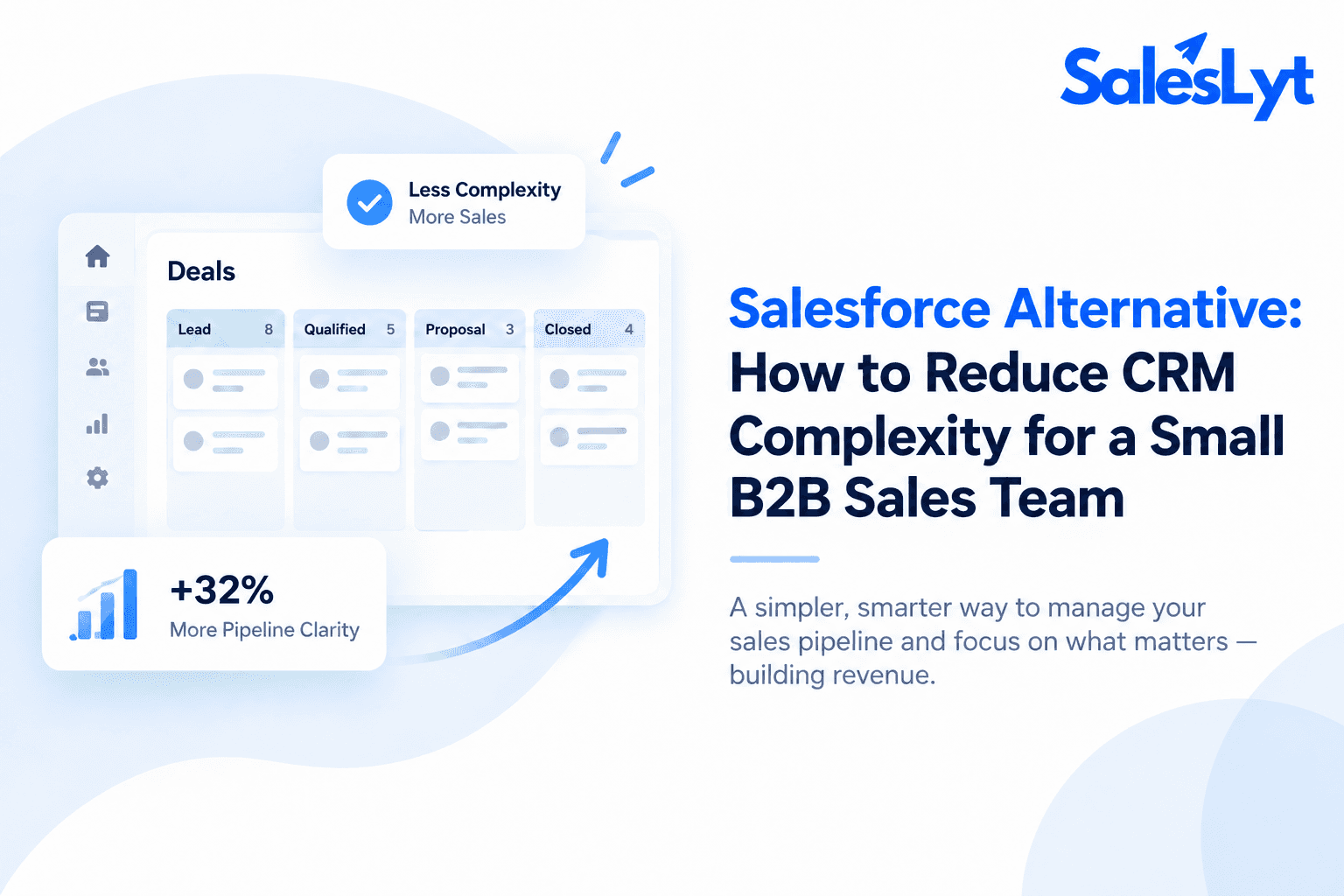
A sales pipeline management CRM allows opportunities to move through clearly defined stages.
For example:
New Lead → Contacted → Qualified → Meeting → Quotation → Negotiation → Won/Lost
The exact stages should depend on the business.
A software company may have a demo stage.
A manufacturer may have a site visit or technical evaluation stage.
A distributor may move from enquiry to quotation and purchase order.
The important part is that everyone follows the same basic process.
5. Sales Activity Tracking
Managers should be able to understand what the team is doing without repeatedly asking for manual reports.
Activities may include:
Calls
Meetings
Visits
Follow-ups
Quotations
Tasks
Emails
Opportunity updates
This provides context around pipeline movement.
A large pipeline is not necessarily healthy if no activities are happening.
How to Move From Spreadsheets to CRM Without Creating Chaos
Migrating to a CRM does not mean importing every spreadsheet immediately.
A better approach is to clean and structure the process first.
Step 1: Understand Your Current Sales Process
Before choosing fields or configuring software, write down how a lead currently becomes a customer.
For example:
Enquiry → Call → Qualification → Meeting → Quotation → Negotiation → Order
You may discover that different salespeople are following completely different processes.
That should be addressed before automation begins.
Technology cannot fix a process that has never been defined.
Step 2: Decide What Information Actually Matters
Many businesses make the mistake of creating too many CRM fields.
If salespeople need to complete 25 fields every time they add a lead, adoption becomes difficult.
Start with essential information.
For example:
Customer/company name
Contact person
Phone/email
Source
Requirement
Assigned owner
Pipeline stage
Expected value
Follow-up date
Additional fields can always be added later.
Step 3: Clean Your Existing Spreadsheet
Before importing data, remove obvious problems.
Check for:
Duplicate contacts
Missing phone numbers
Invalid email addresses
Old opportunities
Inconsistent company names
Incorrect stages
Leads that have not been updated for months
Migrating poor-quality data into a CRM simply creates a better organized collection of poor-quality data.
Step 4: Create Clear Pipeline Stages
Pipeline stages should represent meaningful steps in your B2B process.
Avoid vague stages such as:
Active
Important
Hot
Working
Instead, create stages linked to actual progress.
For example:
New → Contacted → Qualified → Meeting Completed → Quotation Sent → Negotiation → Won
A manager can immediately understand what has happened and what is expected next.
Step 5: Assign Every Opportunity to Someone
Every active lead should have an owner.
Without ownership, opportunities frequently become forgotten.
A salesperson should know:
“This is my lead, and I am responsible for the next action.”
Managers should know the same thing.
Step 6: Make the Next Follow-Up Mandatory
An opportunity without a next action can quietly disappear from the pipeline.
When the salesperson finishes an activity, the next step should be recorded.
For example:
Called customer → Customer asked to reconnect Thursday → Follow-up scheduled Thursday
This small discipline can dramatically improve sales organization.
Step 7: Stop Maintaining Two Systems Forever
During the initial migration, a temporary spreadsheet backup is understandable.
But maintaining both the CRM and spreadsheet indefinitely creates duplicate work.
Salespeople will eventually update one and ignore the other.
Once the CRM process has been tested properly, define which system becomes the primary source of sales information.
How Sales CRM Software Improves Daily Work
The value of sales CRM software appears most clearly during normal daily operations.
Imagine a salesperson starting work on Monday morning.
With spreadsheets, they may need to:
Open multiple files.
Check yesterday's notes.
Search WhatsApp conversations.
Review calendar reminders.
Ask a colleague for an update.
Then decide who to contact first.
With an organized CRM, the salesperson should be able to see upcoming follow-ups, assigned leads, pipeline opportunities, overdue tasks, and recent activities from one working environment.
This reduces administrative effort and makes priorities clearer.
CRM Gives Managers Better Visibility Without Constantly Asking the Team
Salespeople often dislike repeated status questions.
Managers do not necessarily enjoy asking them either.
They ask because they lack visibility.
A structured CRM for businesses can reduce this dependency.
Instead of asking each salesperson what is happening, managers can review:
Number of active leads
Follow-ups due
Pipeline value
Deals by stage
Lost opportunities
Sales activities
Team performance
Conversion progress
This creates a healthier management process.
The CRM becomes a shared reference point rather than a monitoring spreadsheet prepared once a week.
Why CRM Matters Even More for B2B Sales
A B2B CRM software system can be particularly useful because B2B sales rarely happen in one interaction.
A deal may involve:
Multiple calls
Several decision-makers
Product demonstrations
Site visits
Technical discussions
Quotations
Revised quotations
Negotiation
Internal approvals
Purchase orders
Invoices
Payment follow-ups
The sales cycle may continue for weeks or months.
That makes context important.
If someone asks about a deal after six weeks, the salesperson should not have to reconstruct the entire history from WhatsApp messages and spreadsheet notes.
Where AI-Driven CRM Software Fits In
Moving from a spreadsheet to a CRM is already a significant improvement.
The next step is using technology to help teams interpret their sales data.
Modern AI-driven CRM software can assist with areas such as:
Lead analysis
Opportunity prioritization
Activity insights
Sales recommendations
Performance analysis
Identifying patterns in customer activity
AI should not replace the salesperson.
Its more practical role is helping salespeople understand large amounts of information faster and decide where attention may be required.
This becomes increasingly valuable as the number of leads and activities grows.
How SalesLyt Helps Build a Structured Sales Process
SalesLyt is designed as an AI-powered CRM and sales management software for small businesses, startups, agencies, and growing B2B sales teams.
Instead of treating lead management as a standalone spreadsheet replacement, SalesLyt brings important parts of the sales journey into one system.
Businesses can use SalesLyt to manage leads, automate follow-ups, track pipelines, review sales activities, and use dashboards and analytics for better visibility. SalesLyt also includes AI-powered insights and prediction capabilities designed to support sales decision-making.
For businesses with field-sales activities, SalesLyt includes geo-tagging and sales visit capabilities. It can also support quotation, invoice, and payment management, helping businesses connect sales activity with later stages of the customer journey.
The objective is simple:
Keep customer information, activities, follow-ups, and opportunities organized so the sales team knows what has happened and what needs to happen next.
A Simple Before-and-After Example
Consider a business receiving 100 enquiries every month.
Before CRM
Lead information arrives from multiple sources.
A salesperson enters some enquiries into Excel.
Another salesperson keeps a separate sheet.
Follow-ups are added to phone reminders.
Customer discussions remain in WhatsApp.
Managers receive sales reports once a week.
Nobody has a completely reliable picture of the pipeline.
After Building a Structured CRM Process
Every lead is added to one system.
Each opportunity has an owner.
Every lead has a defined stage.
Follow-ups are scheduled.
Sales activities are recorded.
Managers can see pipeline movement.
Older opportunities can be identified.
Customer history remains available.
The number of leads has not changed.
The organization around those leads has.
That is one of the biggest benefits of CRM.
What to Look for When Choosing the Best CRM Software for Small Businesses
The best CRM software for small businesses is not automatically the product with the longest feature list.
A better question is:
Will the sales team actually use it every day?
Before selecting a system, evaluate whether it can handle the fundamentals.
Easy Lead Entry
Adding a new lead should not feel like completing a complicated form.
Clear Follow-Ups
Salespeople should quickly understand who needs attention today.
Simple Pipeline
The pipeline should reflect the company's actual sales process.
Useful Management Visibility
Managers should be able to understand sales progress without manually combining several reports.
Scalability
The software should continue to work as the number of leads, users, and opportunities increases.
Automation
Repetitive activities such as reminders, assignments, and workflow steps should be automated where appropriate.
Reporting and Analytics
Sales data should help the team identify what is working, not simply sit inside a database.
AI That Solves Practical Problems
AI features should reduce work or improve decision-making rather than existing only as a marketing feature.
These qualities are more important than searching endlessly for the best small company CRM or best CRM management software based only on feature comparisons.
Common Mistakes When Moving From Spreadsheets to CRM
Even the right CRM can fail if the implementation is poor.
Importing Everything
Do not automatically migrate years of irrelevant data.
Move information that still has operational or historical value.
Creating Too Many Fields
Start simple.
Complexity can be added later when there is a clear business requirement.
Not Training the Team
Salespeople need to understand why the CRM helps them.
If they see it only as management reporting software, adoption will suffer.
Allowing Everyone to Use Different Processes
A CRM works best when there is a shared sales workflow.
Ignoring Data Quality
CRM reports are only useful when the underlying information is reasonably accurate.
Focusing on Features Instead of Process
The goal is not to use every feature.
The goal is to make sales work more organized.
Do You Need CRM Software Yet?
A spreadsheet may still be sufficient when:
There are very few leads
Only one person handles sales
The sales cycle is extremely simple
Follow-ups are limited
Management reporting is unnecessary
CRM becomes increasingly useful when:
Leads are getting missed
Multiple salespeople are involved
Follow-ups are difficult to track
Managers cannot see pipeline status
Customer information exists in multiple places
Sales reports require manual preparation
The number of opportunities is growing
The company wants a repeatable sales process
The correct time to adopt CRM is usually before sales information becomes completely unmanageable.
Final Thoughts
Moving from spreadsheets to CRM software for small businesses is not primarily a technology upgrade.
It is a process upgrade.
A spreadsheet can tell you who your leads are.
A structured CRM process helps your team understand who owns each lead, what has already happened, what stage the opportunity has reached, and what needs to happen next.
That visibility becomes increasingly important as a business grows.
Start with a simple process.
Centralize your leads.
Define clear pipeline stages.
Assign ownership.
Record follow-ups.
Track meaningful activities.
Then introduce automation, analytics, and AI where they genuinely make the process easier.
SalesLyt is built around this approach, combining CRM management, lead tracking, pipeline visibility, follow-up automation, analytics, and AI-powered capabilities in one sales environment for growing teams.
If spreadsheets are beginning to create more confusion than clarity, the next step may not be another spreadsheet.
It may be a sales process your entire team can follow.

Conclusion
Spreadsheets can work well when a business is small and the number of leads is limited. But as sales activity grows, managing customer details, follow-ups, opportunities, and team updates across multiple sheets can quickly become difficult.
Moving to CRM software for small businesses helps create a more structured sales process. Instead of relying on scattered spreadsheets and manual reminders, businesses can manage leads, customer information, follow-ups, sales activities, and pipeline stages from one system.
The biggest benefit is not simply having better software. It is having a clearer process.
When every lead has an owner, every opportunity has a stage, and every follow-up has a next action, the sales team can work with greater consistency and managers can understand what is happening without constantly asking for updates.
SalesLyt helps growing businesses bring lead management, pipeline tracking, follow-ups, sales activities, analytics, automation, and AI-powered insights into one organized CRM environment.
If your spreadsheets are becoming harder to manage as your business grows, it may be the right time to move toward a more structured sales process with SalesLyt.
Visit SalesLyt: https://saleslyt.com/